
Laptop Buying Myths vs Facts: RAM, Processors and AI PC Labels

On this page
Almost every buyer asks the same question before paying for a new machine: how much RAM do I need? The honest answer depends on what you do, and it is buried under a pile of marketing terms like Core Ultra, NPU and AI PC. This guide goes through the most common laptop buying myths, explains what is actually true, and ends with a simple way to read any spec sheet.
Myth 1: More RAM always makes a laptop faster
Fact: RAM is a workspace, not a speed booster. It holds the apps, browser tabs and files you are using right now. If you have enough, adding more will not make anything quicker. If you do not have enough, the laptop slows down because it has to shuffle data to storage.
So, how much RAM do I need in practice?
Here is a sensible way to think about it:
- Light use (browsing, documents, video calls, streaming): 8 GB can be workable if you do not keep dozens of tabs open.
- Study and office multitasking: 16 GB gives more breathing room when you run several apps together.
- Gaming, video editing, design: 16 GB is a common starting point, and heavier projects may benefit from more.
As a reference point, the 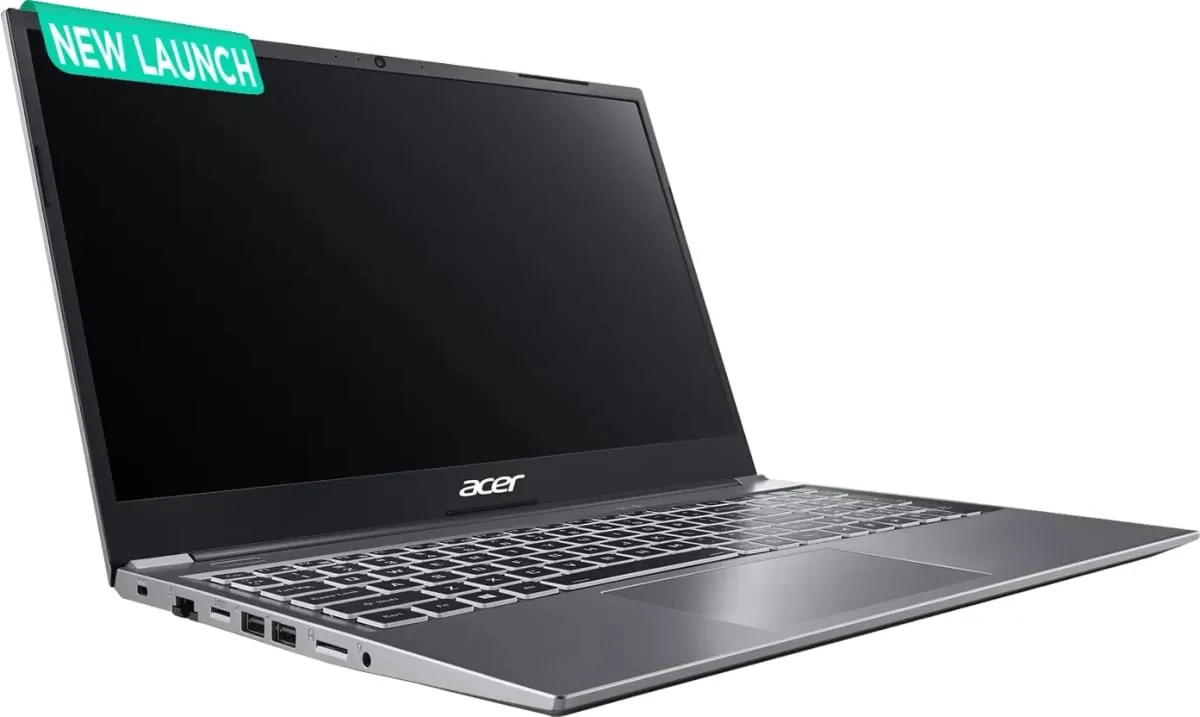 ACER Aspire Lite UN-34ESI-02T Intel Core i3-1305U 8GB RAM 512 GB Nvme SSD UHD Graphics 15.6"FHD IPS Win11 STEEL GREY BAG pairs 8 GB of RAM with a 512 GB NVMe SSD in a thin and light metal body, which suits a lighter workload. Always match RAM to your habits rather than chasing the biggest number.
Also check the type of memory
RAM types such as DDR4, DDR5 and LPDDR5X are not the same. Newer types can offer more bandwidth, but a well-chosen 16 GB DDR4 laptop can still feel perfectly smooth for office work. Do not reject a laptop only because of the memory generation.
Myth 2: A Core i5 is a Core i5 everywhere
Fact: Processor names are layered. The brand tier (Core i3, i5, i7, Ryzen 5, 7, 9) is only the first clue. The generation, the letter suffix and the core count change a lot.
Letters at the end of Intel names usually hint at the design goal. U-series chips target thin, efficient laptops, while H and HX chips are built for higher performance and usually appear in gaming or creator machines. An example is the 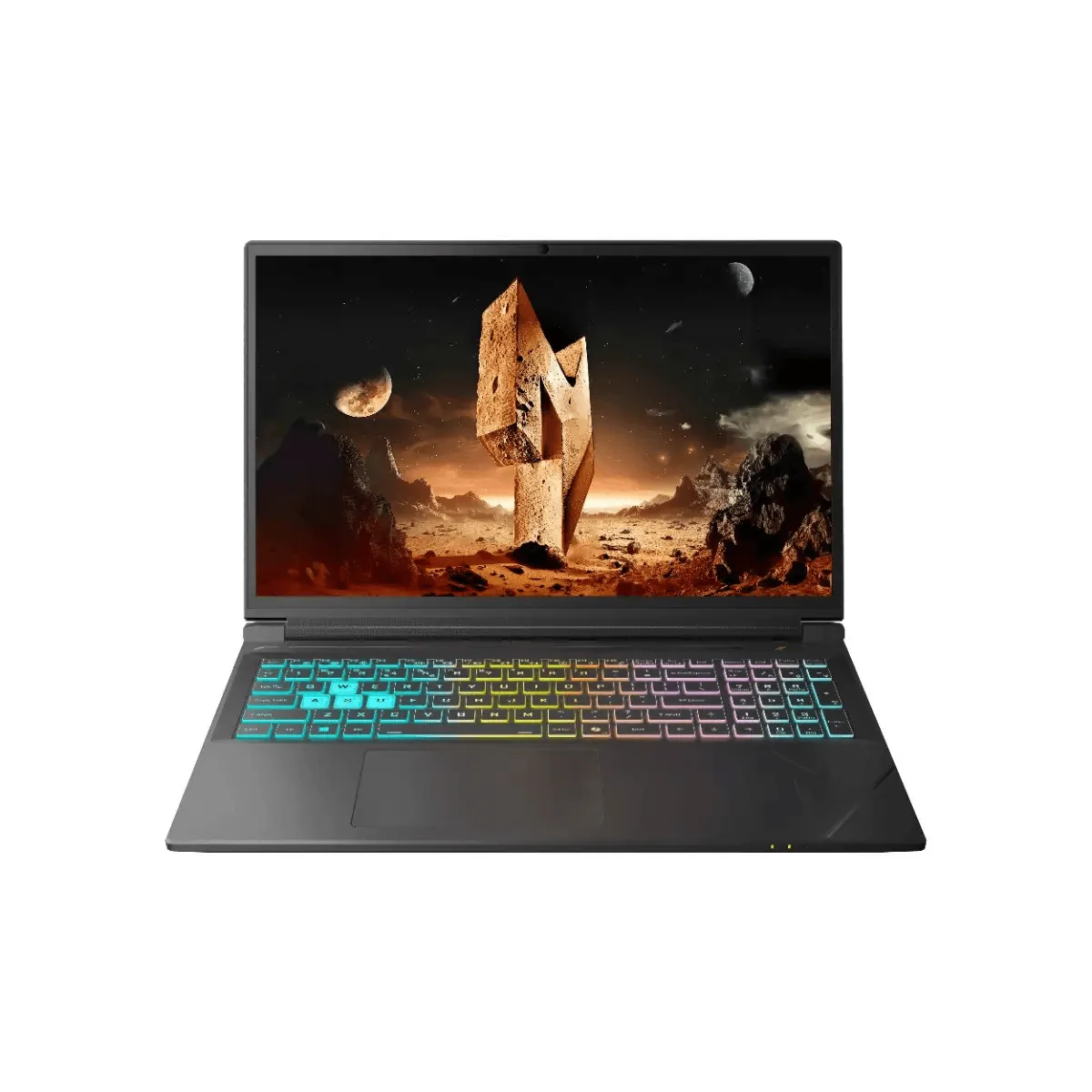 Acer, NITRO 5, Gaming Laptop, UN-U7PSI-007 Intel i5-14450HX|16GB-RAM| 1TB Nvme SSD|16"FHD IPS+WUXGA165Hz|RBG light KB|RTX 5050 - 8 GB GRAPHICS|Win11|MS0 2024 |DARK GREY |BAG |, which lists an Intel i5-14450HX alongside an RTX 5050 graphics card with 8 GB. That is a very different class of chip from an i5-U model, even though both say i5.
The same caution applies when you browse any Acer laptop, HP, Lenovo laptop or Dell laptop listing. Compare the full processor name, not just the tier. Also remember that no label can promise a particular benchmark result, so treat names as a guide to the class of laptop, not a guarantee.
Myth 3: An AI PC label means a better laptop for everyone
Fact: AI PC laptops explained simply: these are machines with hardware, usually a dedicated NPU (neural processing unit), designed to handle certain AI tasks locally. Examples include background blur in video calls, some voice and photo features, and other on-device tools.
An NPU in laptops is useful only if the software you use can take advantage of it. If your day involves spreadsheets, browsing and online classes, a laptop without any AI label can do the job just as well. The label does not automatically mean faster general performance, longer battery life or better gaming.
If AI features interest you, look for these things:
- Whether the listing actually names an NPU or AI-capable processor, rather than only using the words AI PC.
- Whether the apps you use have features that run on it.
- Whether the rest of the spec sheet (RAM, storage, screen) suits your work.
For example, the 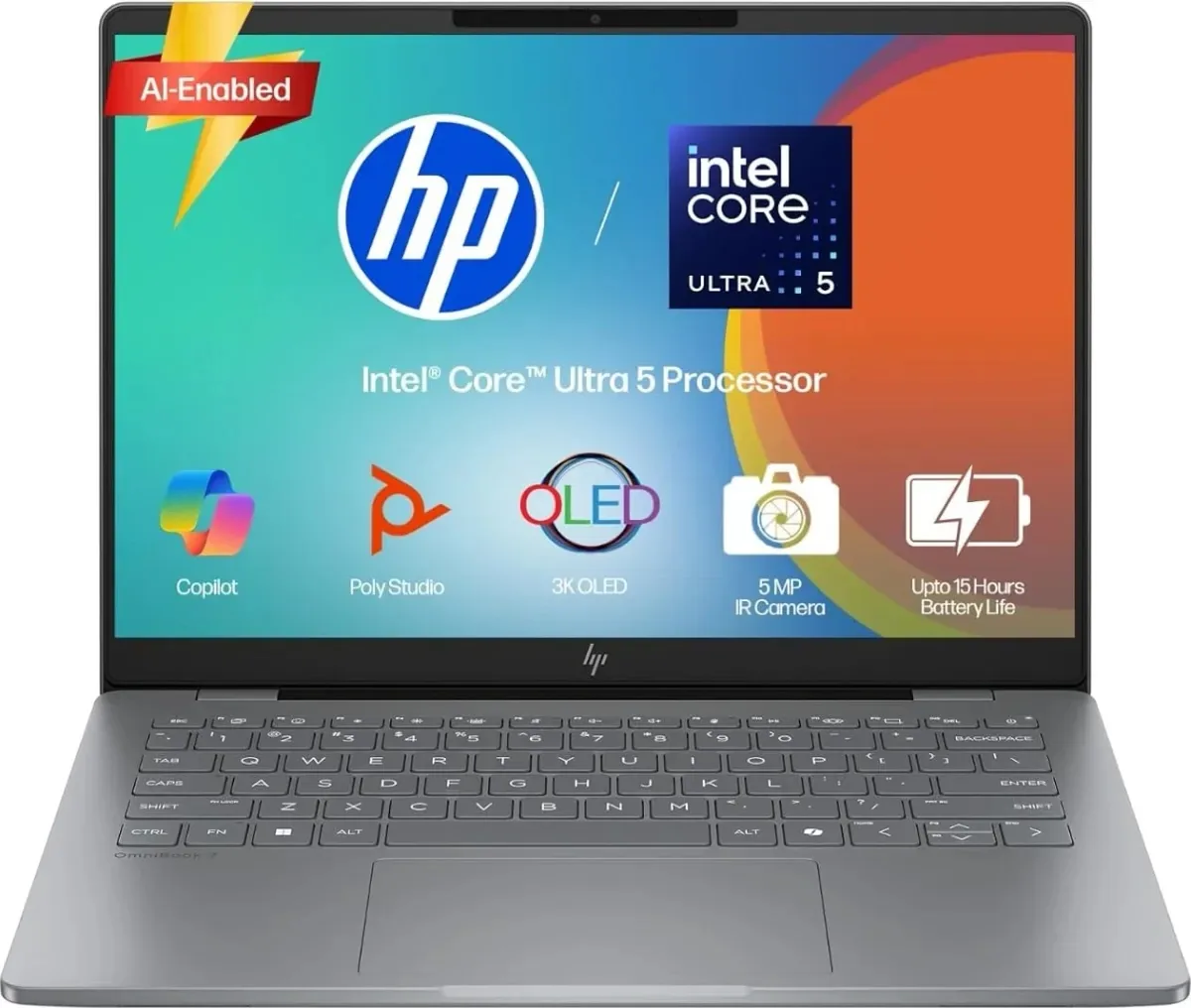 HP OmniBook 7 - 14-FR0789TU | Ultra 5-225H / 16GB LPDDR5X / 1 TB SSD / Intel®Arc/14' OLED, 48-120 Hz 500 nits/5MP IR / Win 11 / Mso 24 / 4-cell / 13 NPU (BBUXXX) is built around an Intel Core Ultra 5-225H with integrated Intel Arc graphics, 16 GB of LPDDR5X RAM and a 1 TB SSD. If AI features matter to you, confirm the details on the product page. Whether you are comparing an HP OmniBook or an ASUS Vivobook, read what is listed rather than assuming.
Myth 4: Storage size matters more than storage type
Fact: In the SSD vs HDD laptop debate, type matters first. An SSD has no moving parts and generally makes startup, app launches and file loading much quicker than a traditional hard drive. Most current laptops use SSDs, and an NVMe SSD is a fast kind of SSD.
Capacity comes second. A 512 GB SSD is a comfortable amount for documents, apps and a moderate media library, while heavy gamers and video editors often prefer 1 TB. The 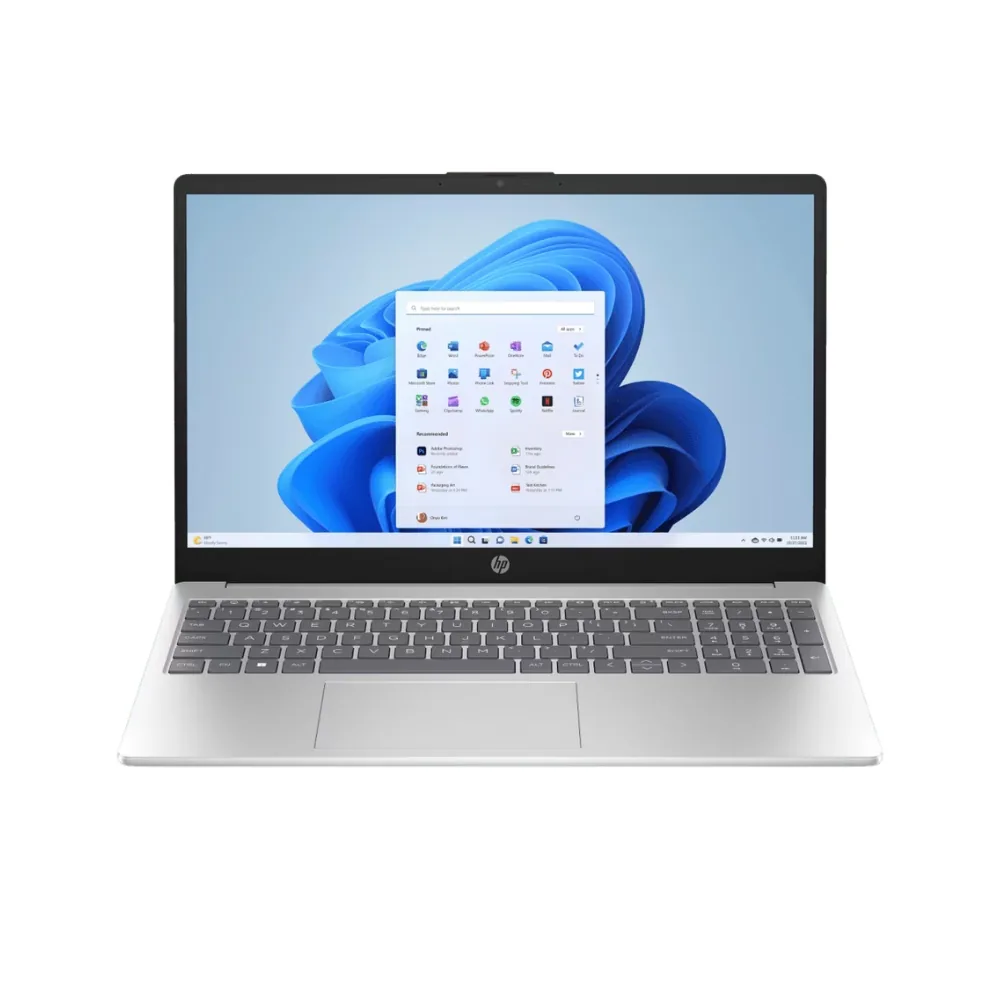 HP Laptop - 15-FC0761AU | Ryzen 7-7730U / 16GB DDR4 / 512GB SSD / AMD Radeon Graphics / 15.6'' FHD/WIND 11 /OFFICE 2024 / Back Light (TTXXX) is a good example of a balanced everyday spec: a Ryzen 7 7730U, 16 GB DDR4 and a 512 GB SSD on a 15.6-inch Full HD screen.
Tips for storage
- Prefer an SSD over a hard drive for the main drive.
- Keep some free space, since a nearly full drive can feel sluggish.
- Back up important files to an external drive or cloud storage, whatever size you pick.
A simple way to read laptop specs, explained
Laptop specs explained in plain language comes down to a short routine. Start with your own use, then check each line of the spec sheet in this order:
- Processor: note the full name, including the suffix, and decide if it fits a thin, everyday or performance machine.
- RAM: choose 8 GB for light use or 16 GB if you multitask. Check the type too.
- Storage: look for an SSD first, then pick a capacity.
- Display: check size, resolution, panel type (IPS or OLED) and, for gaming, refresh rate.
- Graphics: integrated graphics are fine for everyday tasks, while games and creative software benefit from a dedicated GPU.
- Extras: keyboard backlight, touchscreen, weight, ports and the software bundle.
Gamers should pay extra attention to the graphics and display lines. The 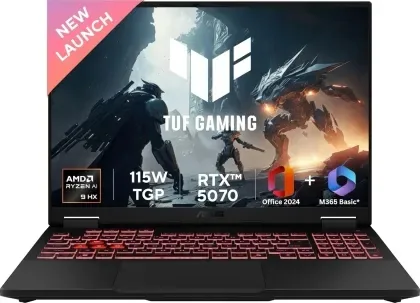 ASUS TUF Gaming A16 FA608PP-QT014WS R9-8940HX/ RTX5070- 8GB/ 16G/ 1T/ 16.0 WQXGA400NITS/165HZ)/ Backlit Keyboard - With Copilot key/ 90Whr/ WIN 11/ OFFICE HOME 2024 (IN)+M365 BASIC/ 0/ McAfee(1 year)/ Grey lists an AMD Ryzen 9 8940HX, an RTX 5070 with 8 GB, 16 GB of RAM, a 1 TB SSD and a 16-inch WQXGA display with 165 Hz. Those are the kinds of details to compare line by line when you shortlist the best laptops for your needs, instead of relying on one headline feature.
Quick practical tips before you buy
- Write down your top three tasks before you open any listing.
- Do not pay for features you will not use, whether that is an AI label or a high refresh rate.
- Compare two or three models using the same checklist, across brands.
- Read the product description for facts such as ports, display and operating system.
- Think about future needs: if you expect heavier work in a year or two, extra RAM or storage can be a sensible choice.
Conclusion
Laptop marketing is full of shortcuts, but a few facts clear most of the fog. More RAM helps only when you would otherwise run out, processor names need a full read, AI PC labels matter only if you will use the features, and an SSD is a more important choice than raw capacity. Start from your own use, work through the spec sheet line by line, and you can compare any laptop with confidence, whatever the brand.




