Acer Aspire Laptop Buying Guide: Lite vs Aspire 5 vs Go

On this page
Choosing an Acer Aspire laptop sounds easy until you see the product names: Aspire Lite, Aspire 5, Aspire 3, Aspire Go, then strings of codes and processor names. This guide cuts through that. It explains what each part of the range is generally aimed at, what the specs mean, and how to match them to studying, home use or light office work.
What the Acer Aspire laptop range is meant for
The Aspire family is Acer's everyday line. These are laptops for browsing, video calls, online classes, documents, spreadsheets, streaming and light photo editing. They are not built for heavy gaming or professional video work, and that is fine. Most students and home users do not need that kind of power.
Here is a simple way to think about the names:
- Aspire Lite: straightforward, larger-screen laptops for study and home use.
- Aspire 5: a step up, with the models we list using a 14-inch screen and newer Intel Core Ultra processors.
- Aspire 3 and Aspire Go: other names you may come across. Whatever the name, judge them by the same checklist of processor, RAM, SSD and display, because the name alone does not tell you the specs.
Always read the full spec line of a particular model. Two laptops with the same family name can have very different processors and memory.
Acer Aspire Lite: simple everyday laptops
If you want a roomy screen and a sensible set of specs, the Acer Aspire Lite models are a good place to start. The listings we carry use 15.6-inch Full HD screens, which gives you more space for side-by-side windows, spreadsheets and study material than a smaller panel.
Among them, 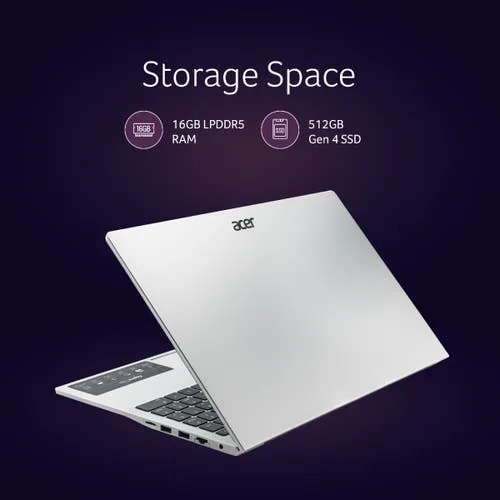 ACER UN-347SI-026 Aspire Lite Intel Core 5-210H 16 GB DDR5-RAM 512 GB SSD Nvme SSD UHD GraphicS 15.6"FHD IPS Win11 MS Office 2024 BacklightKB Silver BAG is described as a high-performance, thin and light laptop. It has an Intel Core 5 210H processor, 16 GB of DDR5 RAM, a 512 GB NVMe SSD, a 15.6-inch Full HD IPS display, Intel UHD Graphics and a backlit keyboard. That mix suits someone who keeps many browser tabs and documents open together.
Other Aspire Lite models in the range use lighter processors such as Intel Core 3 or AMD Ryzen 3 paired with 8 GB of RAM. These are worth a look if your tasks are mainly browsing, online classes and writing. Just be aware that 8 GB leaves less room if you multitask heavily.
Aspire 5 and Acer Aspire Intel Core Ultra explained
The Aspire 5 models in our range use Intel Core Ultra processors. Intel's Core Ultra chips are designed with AI acceleration in mind, meaning they include hardware to handle certain AI-related tasks. For an everyday user, it is a nice extra rather than a must-have, but it shows that the laptop is built with newer software features in mind.
A good example is 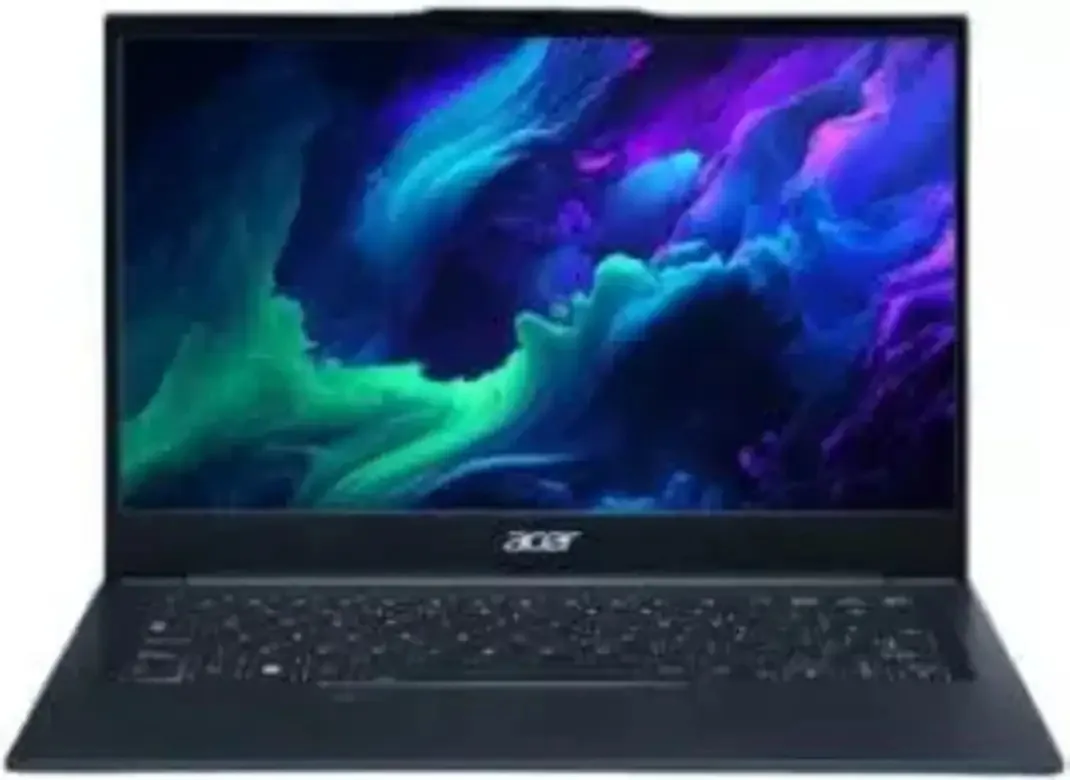 ACER ASPIRE 5 UN-370SI-002 INTEL ULTRA 5 125H 16GBRAM 512GB SSD Nvme INTEL @ARC Graphics IPS 14" Win11 MS OFFICE 2024 BacklightKBA COVER METAL BAG. It is a portable 14-inch laptop with an Intel Core Ultra 5 125H processor, 16 GB RAM, a 512 GB SSD, Intel Arc Graphics and a 14-inch IPS display, running Windows 11 Home.
Here is a quick comparison to keep in mind, based on the models we list:
| Feature | Aspire Lite (typical) | Aspire 5 (typical) |
|---|---|---|
| Screen size | 15.6 inch | 14 inch |
| Processor | Intel Core or AMD Ryzen | Intel Core Ultra |
| Best for | Roomy screen, study and home | Portability and newer chips |
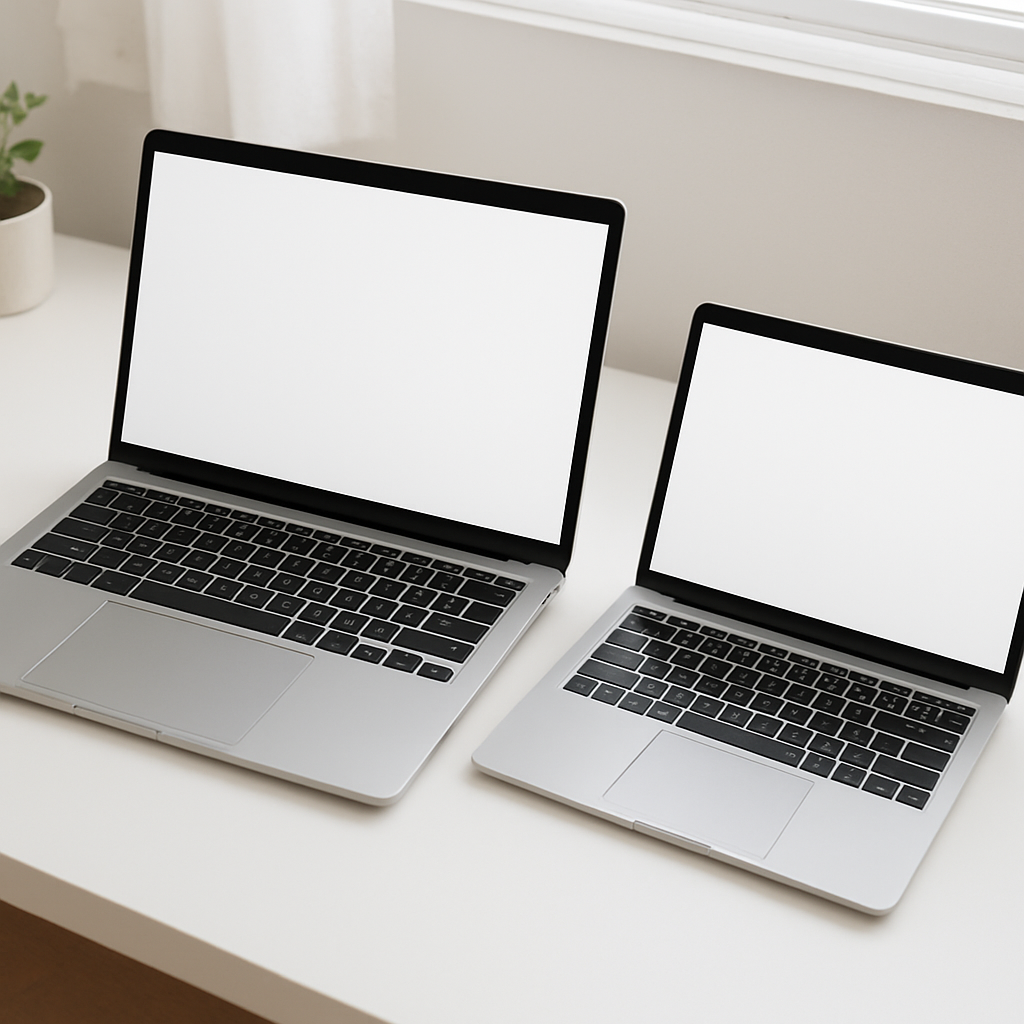
If you carry your laptop to college or between rooms daily, a 14-inch model is easier to slip into a bag. If it mostly stays on a desk, 15.6 inches is more comfortable to work on.
Display and Intel Arc graphics: what to look for
Look for an IPS display. IPS panels are known for wide viewing angles and consistent colour, which helps when you share your screen with a friend or watch videos. Also check the resolution. Full HD is a solid baseline, while WUXGA is a slightly taller format that shows a little more of a document or web page.
You will also see Intel Arc graphics on the Core Ultra models. It is built into the processor, so there is no separate graphics card. It is a step beyond basic integrated graphics and suits everyday visuals, video and casual creative work. It is not the same as a gaming graphics card, so do not expect to play demanding games on it.
One model that shows this well is 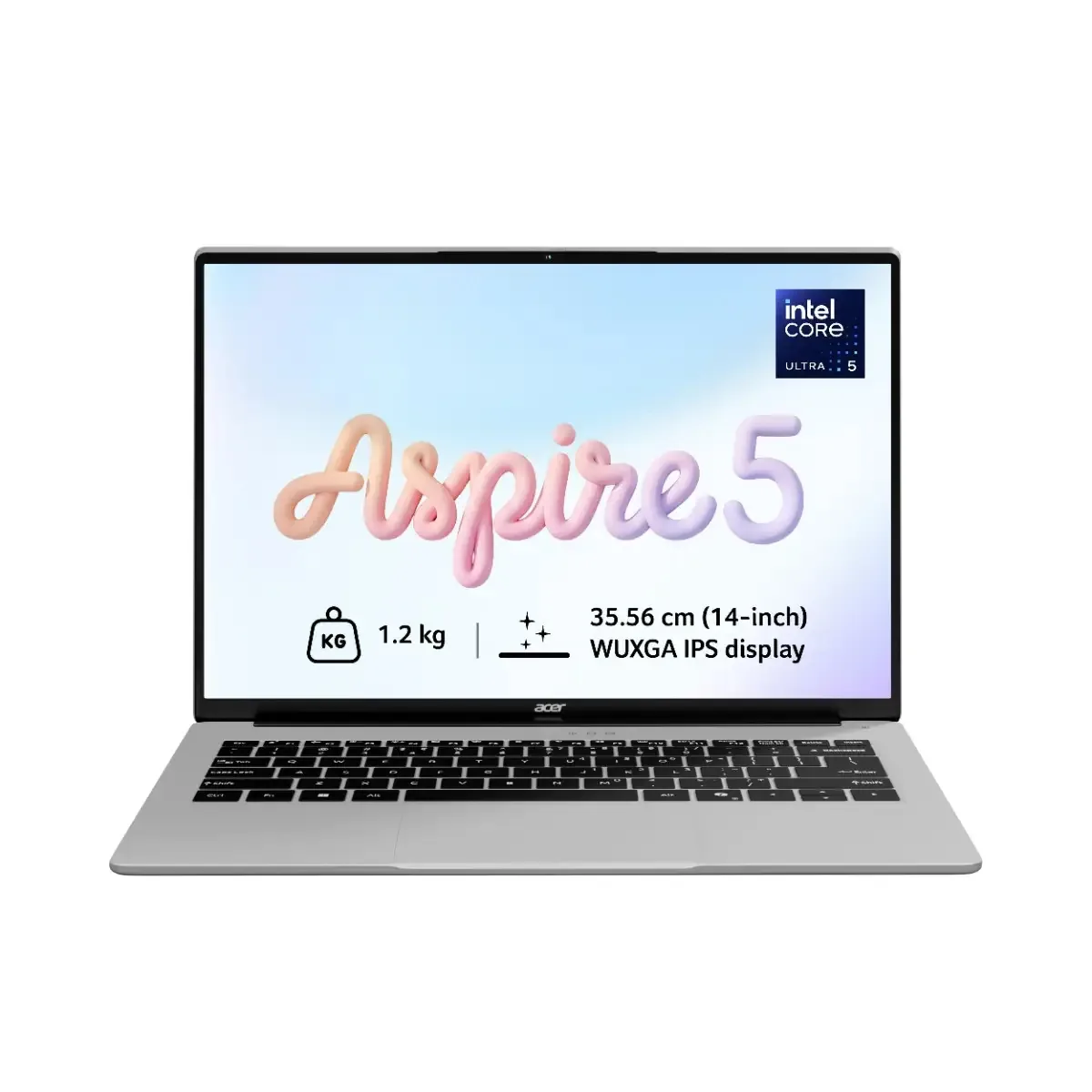 Acer Aspire 5 UN-37RSI-003 INTEL ULTRA 5|226 V|16GB LPDDR5X RAM|512GB SSD|INTEL @ARC 130 V GPU |14"WUXGA IPS|Win11|MS OFFICE 2024|BACKLIGHT KB|A-COVER METAL|SILVER|BAG|. It pairs an Intel Ultra 5 226V processor with 16 GB LPDDR5X RAM, an Intel Arc 130V GPU, a 14-inch WUXGA IPS screen, a backlit keyboard and a metal A-cover.
SSD, RAM and a checklist for students
Storage and memory affect how a laptop feels day to day more than most other specs. Every model discussed here uses an NVMe SSD, a fast type of storage that helps Windows start quickly and apps open without long waits. Most of the listings come with 512 GB, which is comfortable for coursework, photos and documents for most people. If you store large video files, plan to use an external drive or cloud storage.
For RAM, 8 GB is workable for basic use, while 16 GB gives more breathing room for many tabs, video calls and office apps together. A model like 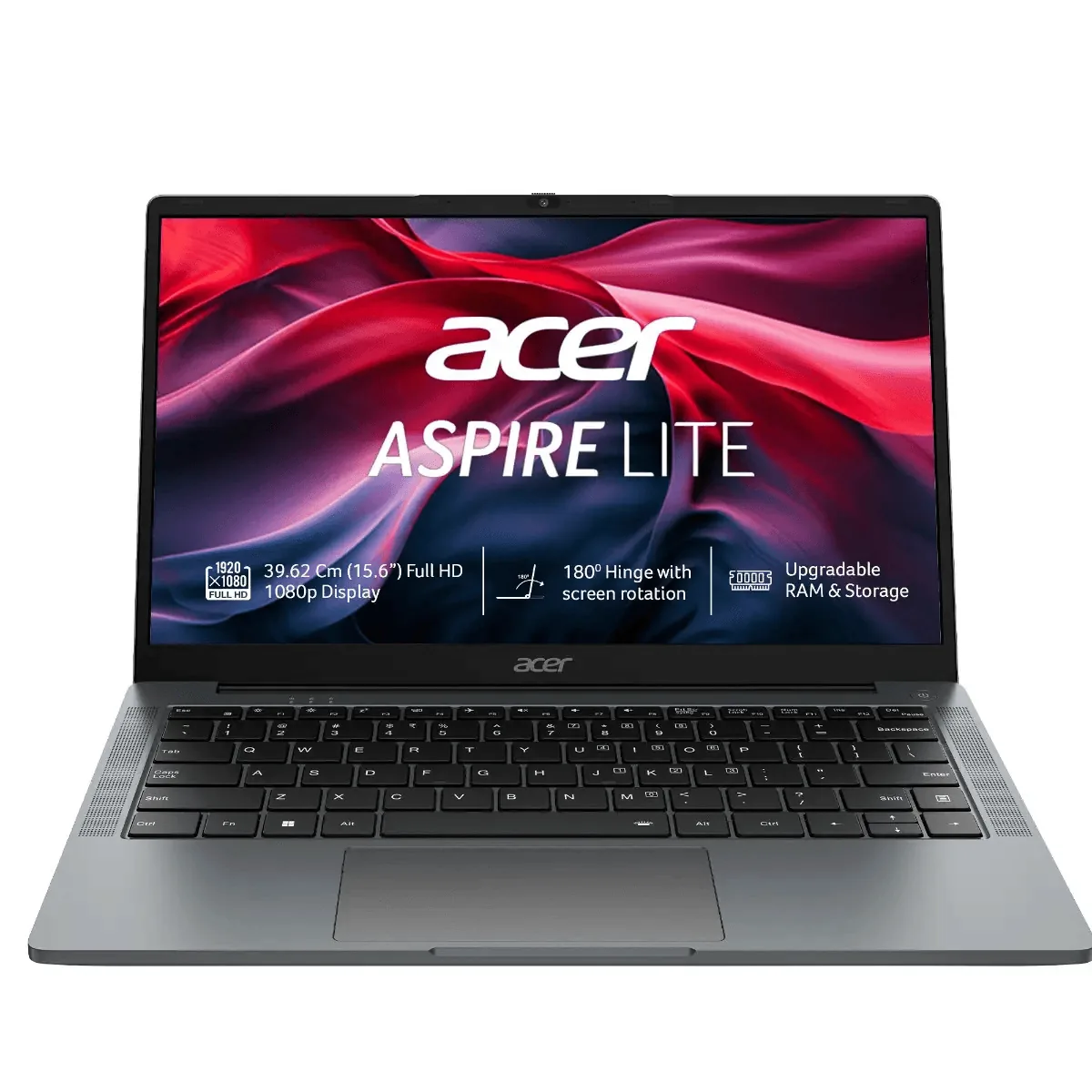 Acer Aspire Lite UN-378SI-00D AMD RYZEN 3-7330U|8GBRAM|512 GB Nvme SSD||AMD Radeon GRAPHICS|15.6"FHD|Win11|BACKLIGHT KB|STEEL GRAY||BAG has an AMD Ryzen 3 7330U, 8 GB RAM and a 512 GB NVMe SSD, which fits lighter study and home tasks.
If you are hunting for the best Acer laptop for students, use this checklist:
- Set your use first. Notes, online classes and browsing need less than coding, design or editing.
- Choose screen size by how you travel. 14 inches for carrying, 15.6 inches for desk comfort.
- Prefer 16 GB RAM if you can. It helps with multitasking over the next few years.
- Check the SSD size. 512 GB is a good starting point.
- Look for an IPS display and a backlit keyboard if you study at night.
- Read the full spec line. Included extras such as Windows 11, Microsoft Office or a laptop bag vary by model.
Conclusion
An Acer Aspire laptop can suit most everyday needs when you match the spec to your routine. Choose an Aspire Lite for a bigger screen and straightforward study or home use, and look at the Aspire 5 with Intel Core Ultra if you want a more portable 14-inch machine with newer processors and Intel Arc graphics. Whichever you pick, 16 GB RAM, an NVMe SSD and an IPS display are the three details to check first. Compare the full spec lines carefully, and you will find an Acer laptop that fits your studies, your home and your bag.