ASUS TUF Gaming vs ROG Strix: How to Pick the Right ASUS Gaming Laptop

On this page
Choosing between an ASUS TUF Gaming laptop and an ROG Strix can feel confusing, because both are gaming machines with RGB keyboards, fast screens and dedicated graphics. The real differences sit in the GPU tier, the display, the memory and storage, and how much heat the laptop has to handle. This gaming laptop buying guide walks through each of those in plain language so you can match a model to how you actually play.
ASUS TUF Gaming laptop vs ROG Strix: the big picture
Think of the two lines as different steps on the same ladder. Looking at the models listed in our store, the TUF Gaming range uses RTX 3050, RTX 4050 and RTX 5050 graphics, while the ROG Strix G16 models use RTX 5070 and RTX 5070 Ti graphics. The Strix listings also come with faster displays and, in one case, more RAM.
| Feature | TUF Gaming (A15 / A16 listings) | ROG Strix G16 listings |
|---|---|---|
| GPUs listed | RTX 3050, RTX 4050, RTX 5050 | RTX 5070, RTX 5070 Ti |
| Refresh rate | 144Hz | 165Hz and 240Hz |
| Screen size | 15.6-inch and 16-inch | 16-inch |
| Storage listed | 512GB PCIe 4.0 SSD | 1TB PCIe 4.0 SSD |
| Keyboard lighting | 1-zone RGB | RGB, including a 4-zone version |
A good starting point is the 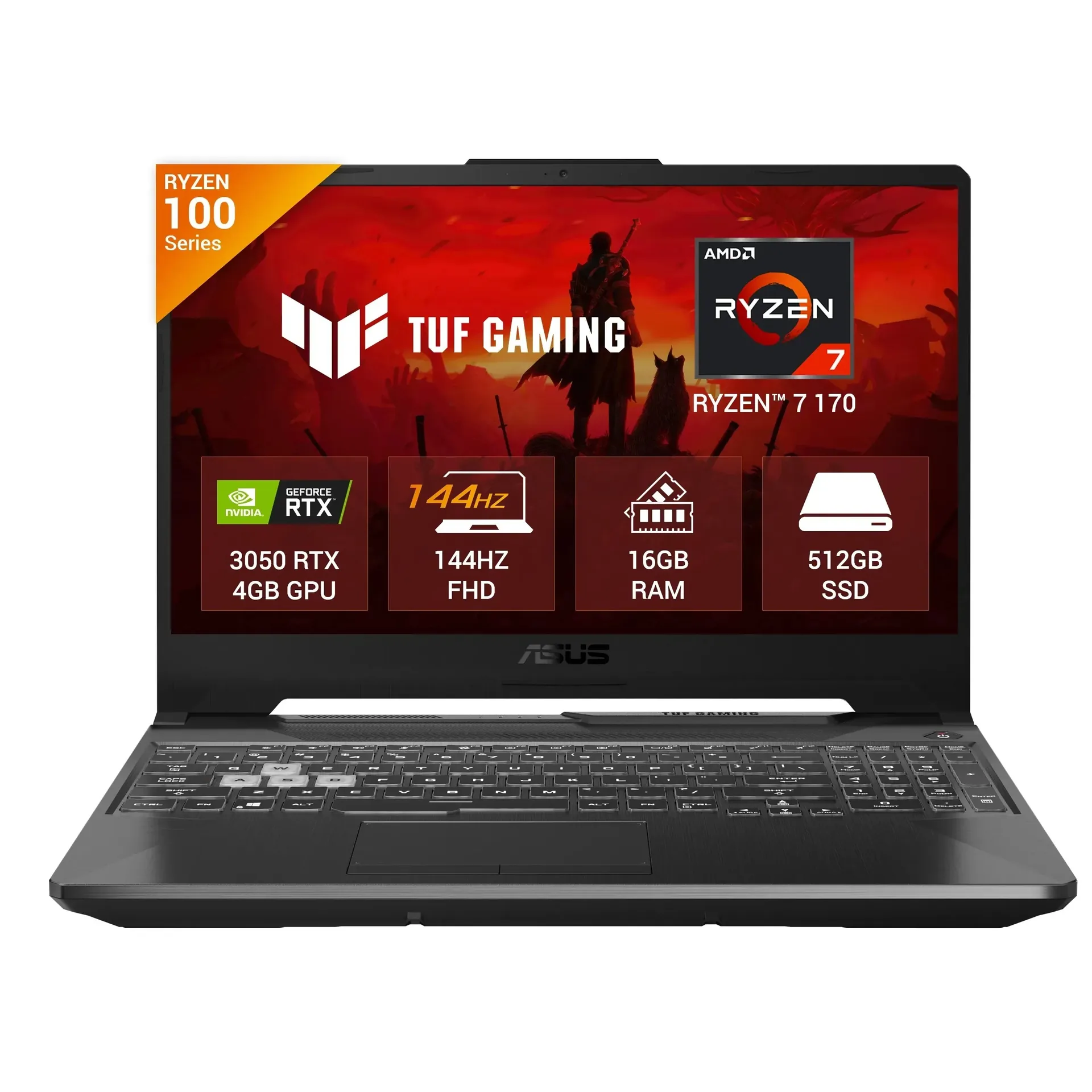 ASUS TUF Gaming A15 FA506NCQ-IN081WS R7 170/RTX3050 4GB/DDR5 16GB/512GB PCIE G4 SSD/15.6" FHD 144Hz 250nits/Backlit Keyboard 1-Zone RGB/48WHrs/MSO//Graphite Black, which pairs a Ryzen 7 processor and 16 GB of DDR5 RAM with an RTX 3050 (4 GB) and a 15.6-inch FHD 144Hz screen. It shows what the entry end of an asus tuf gaming setup looks like. The asus rog strix models sit further up in graphics and display specs, which we cover next.
RTX GPU explained: what the numbers mean
The graphics card does most of the work in games, so it is the first spec to check. In an RTX name, the number gives you a rough tier. A 50-series card with a higher number, such as 5070, is generally a step above one with a lower number, such as 5050. The same logic applies to older generations: a 4050 sits below a 4070 in the same family.
Two details matter beyond the name:
- VRAM is the graphics card's own memory. The listings here show 4 GB, 6 GB, 8 GB and 12 GB. More VRAM helps with detailed textures and higher resolutions.
- Generation matters because newer cards add newer features, though a higher tier in an older generation can still be a sensible choice.
For example, the 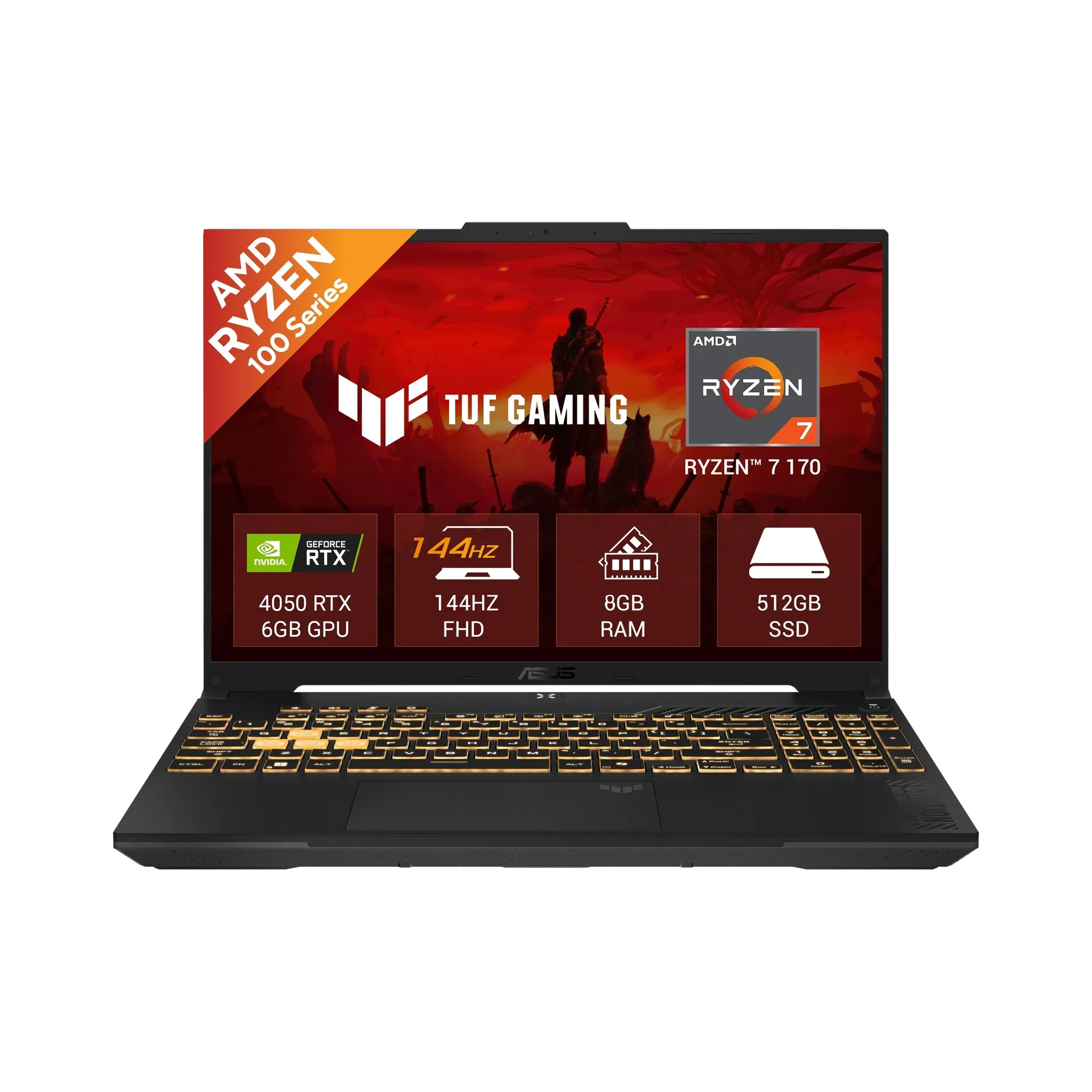 ASUS TUF Gaming A16 FA607NUQ-RL208W R7 170/RTX4050/6GB/DDR5 8GB/512GB PCIE G4 SSD/16" FHD 144Hz 300nits/Backlit Keyboard 1-Zone RGB/56WHrs//McAfee® 1 year/WIN 11 has an RTX 4050 with 6 GB of VRAM and a 16-inch FHD 144Hz display. It suits full HD gaming on a larger screen. Keep in mind that this listing has 8 GB of RAM, so if you multitask heavily, check whether that is enough for you or whether you would rather look at a 16 GB configuration.
We cannot promise exact frame rates, as they depend on the game, its settings and the resolution. Treat the GPU tier as a guide to headroom, not a guarantee.
144Hz gaming laptop display: how much refresh rate do you need?
Refresh rate is how many times per second the screen updates. A 144Hz gaming laptop display looks noticeably smoother than a standard 60Hz panel when your game runs at a matching frame rate. Higher rates such as 165Hz or 240Hz add further smoothness, but only if the GPU can produce enough frames to use them.
That is why a very high refresh rate makes the most sense in fast competitive shooters, where every frame counts. If you mostly play story-driven or slower games, 144Hz is already a comfortable level.
Other display details worth comparing:
- Resolution: FHD is the common choice on TUF models. The TUF Gaming A16 FA608UHI listing mentions a 2.5K panel, and the ROG Strix G16 with an Ultra 9 processor uses a WQXGA screen, both sharper than plain FHD.
- Brightness: Listings show 250 nits, 300 nits and 500 nits. A brighter screen is easier to use in a well-lit room.
- Screen size: 15.6-inch is easier to carry, while 16-inch gives more room for games and for editing or study work.
The 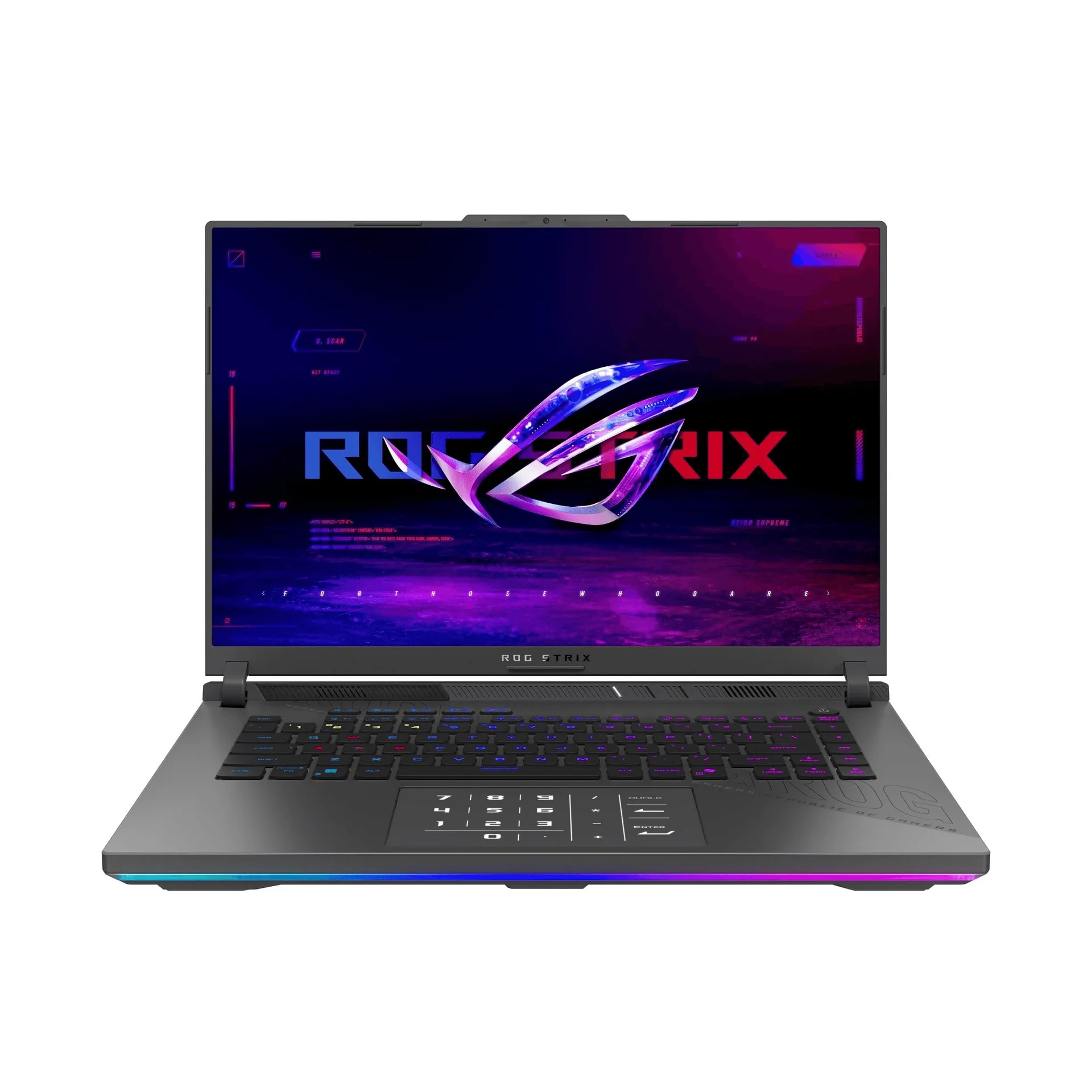 ASUS ROG Strix G16 G615LR-TS210WS Ultra 9/RTX5070 8GB/DDR5 32GB/1TB PCIe® 4.0 NVMe™ M.2 SSD/16.0 WQXGA /500NITS/240HZ)/Backlit Chiclet Keyboard 4-Zone RGB/90WHrs,OFFICE HOME 2024 (IN)+M365 BASIC/Gray is a good example of the top end here, with a 16-inch WQXGA display rated at 500 nits and 240Hz, alongside an RTX 5070 (8 GB), 32 GB of DDR5 RAM and a 1TB SSD.
Cooling, power and portability
Gaming laptops produce heat, and the more powerful the processor and GPU, the more cooling the design has to manage. This is a general rule rather than an ASUS-specific claim, and it is why a high-end laptop is usually thicker and heavier than an everyday model like the Vivobook range.
Since cooling details are not always listed in a product title, here is a practical way to judge a model:
- Read the full product page for processor and GPU details. Higher-end parts usually need more cooling.
- Use the laptop on a hard, flat surface so the vents are not blocked.
- Keep the vents clean and the software updated.
- Expect fan noise under heavy load, and consider headphones for long sessions.
On battery, several of the listed models mention a 90WHr battery. Even so, gaming on battery power usually drains it quickly and often reduces performance, so plan on keeping the charger nearby for serious play. Remember to account for the charger's size and weight if you travel often.
Brand choice also comes into it. You may see MSI laptops or an HP laptop in the gaming category too, and they are worth a look if you want to compare. For this guide we stick to ASUS so the comparison stays clear.
Matching a model to how you play
Instead of asking which line is better, ask what you play and where you play it. Here is a simple way to decide.
Casual and student gamers
If you play popular esports titles at full HD and also use the laptop for classes, an RTX 3050 or 4050 TUF model with 144Hz is a practical match. Prioritise 16 GB of RAM where you can, since it helps when games, a browser and chat apps run at the same time.
Regular gamers who want more headroom
If you play newer games at higher settings, look at the RTX 5050 class and above. A sharper 2.5K display can be a good fit if you want more detail without jumping to the top tier.
Enthusiasts and creators
If you want high refresh rates, heavy multitasking or video editing alongside gaming, the ROG Strix G16 class makes more sense. The 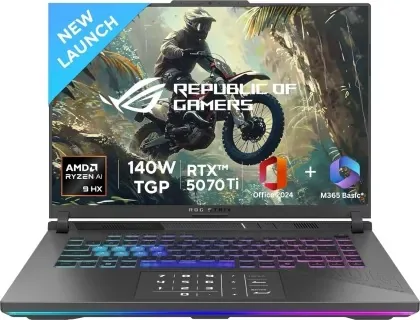 ASUS ROG Strix G16 G614PR-RV032WS R9-8940HX/RTX5070Ti 12GB/DDR5 16GB/1TB PCIe® 4.0 NVMe™ M.2 SSD/16.0 WUXGA 165HZ/Backlit Chiclet Keyboard RGB/90WHrs, /OFFICE HOME 2024 (IN)+M365 BASIC/Gray combines a Ryzen 9 processor, RTX 5070 Ti (12 GB), 16 GB of DDR5 RAM, a 1TB SSD and a 165Hz display, which suits players who want strong graphics and plenty of storage for large game libraries.
Practical tips before you buy
- Set your budget first, then choose the GPU tier you can afford rather than chasing every spec.
- Check RAM and storage. Games are large, so 512GB can fill up faster than you expect.
- Match the screen to your games: 144Hz is plenty for most people.
- Consider weight and size if you carry the laptop daily.
- Read the full specification on the product page before you decide.
Conclusion
An ASUS TUF Gaming laptop and an ROG Strix are built for different ambitions. TUF models in our listings cover the entry to mid range with RTX 3050, 4050 and 5050 graphics and 144Hz screens, while the Strix G16 models step up to RTX 5070 and 5070 Ti graphics with faster, sharper displays and more storage. Decide by the games you play, the screen you want and how much you move your laptop around. Once you know that, comparing the best laptops for your needs becomes far simpler, and you can pick an asus laptop with confidence.